Journal · July 18, 2026 · updated July 13, 2026
Delivery-Day Checklist for Claiming the Referral Benefit
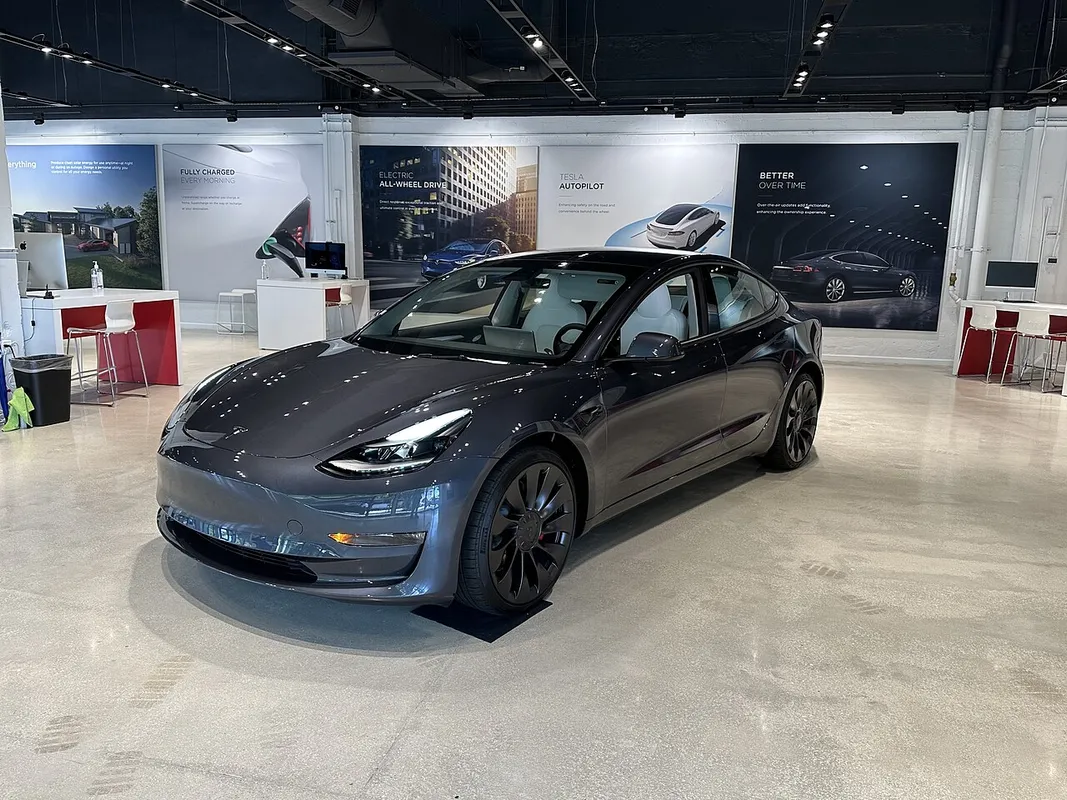
The referral trial is supposed to activate on its own at delivery — no paperwork, per Tesla's own description. It's still worth checking, because "supposed to" and "did" aren't the same claim. This is the short version of that check: what to confirm before the day, what to look at on it, and what to do if nothing appears.
Before delivery day: the paper trail
Go back to the order confirmation email and the order summary in the Tesla app, and confirm the referral line is still listed — the 3-month FSD (Supervised) trial, or the $400 solar discount on an energy order. If it was there when the order was placed, it should still be there. Two minutes, and it rules out a whole category of delivery-day surprise.
At delivery: where it shows up
Confirm delivery is marked complete
The FSD trial is tied to delivery, not to the order date, so it won't appear until the car is officially delivered in Tesla's system — usually the same day you drive off, sometimes the next.
Open the car's profile in the Tesla app
Check the software / Full Self-Driving section for a trial or subscription entry.
Check the in-car software menu too
The touchscreen (Controls → Software, or the Autopilot/FSD settings) sometimes reflects it before the app does, so check both rather than assuming one of them is wrong.
If it doesn't show up within a few days
The part most delivery-day checklists skip: a short delay is not automatically a lost benefit. Account entitlements can take a day or two to settle after a delivery is marked complete, so the sequence that makes sense is to keep the original order-summary screenshot from step one, give it about a week, and — if it's still missing — contact Tesla support with the order number and a note that the referral was applied before ordering.
That's the whole reason for checking the order summary before delivery rather than only after: the pre-payment screen is the one place the benefit is ever documented on your side, and it's the only evidence available if a conversation becomes necessary.
Solar delivery is different
If the referral was for Tesla Solar rather than a vehicle, there's no "delivery day" in the same sense — the $400 off appears as a line-item discount on the solar order itself, before installation. That one is checked at contract signing, not afterwards. More on how it works in do referral codes work on solar?
The habit that actually matters
None of this replaces getting the order right in the first place — referral link first, then configure, then confirm before paying. The full sequence, with an annotated order-summary mockup, is in how to apply a referral code at checkout. Delivery day is only where you confirm that what was true at order time still is.
Sources:
- Tesla Support — Refer and Earn
- Electrek — Tesla referral program guide
- Not a Tesla App — referral FSD incentives